



ClashRecord · · 2 min read
ClashRecord is on Google Play, with home-screen widgets
The Android app is out: the whole site as an app, plus six widgets that put your builders, your Town Hall progress, your war and your events on the home screen. Here is what each widget shows and how to set one up.

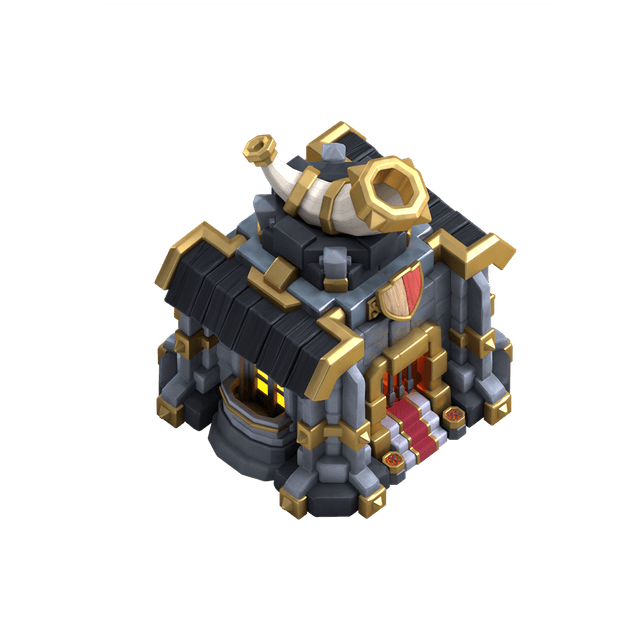
ClashRecord · Android
ClashRecord on Google Play
ClashRecord is now on Google Play. The Android app is the whole site, opening straight into the tracker with no browser bar around it. On top of that it does the one thing a website cannot: it puts your village on your home screen.
Six widgets
- Upgrades: what your builders, Laboratory and Pet House are working on, each with a countdown to its finish, and how many builders are idle.
- War & League: your ranked league standing, the current clan war or the CWL table. You choose which when you place it.
- Profile: your profile card, with your league and every hero level.
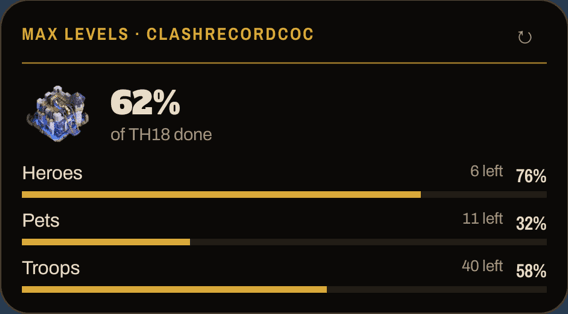
- Max levels: how much of your Town Hall is done, split into heroes, pets, troops and spells.
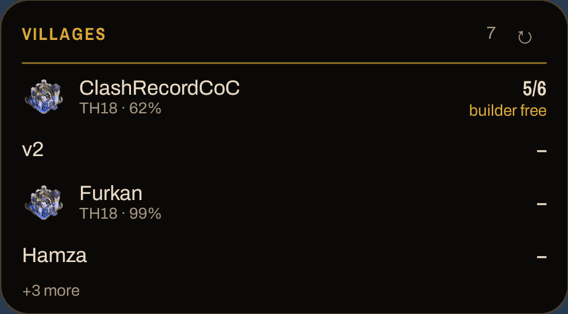
- Villages: every village saved on your account, with its progress and free builders.
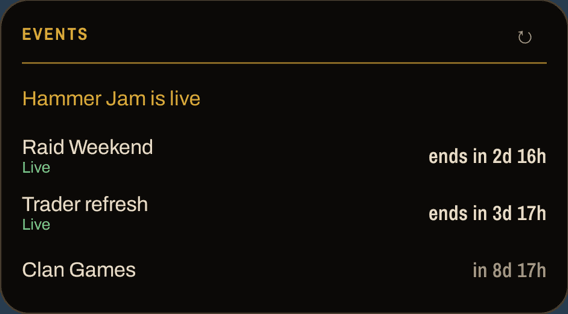
- Events: running events, Raid Weekend, the trader refresh, Clan Games, CWL and the season end, counted down.
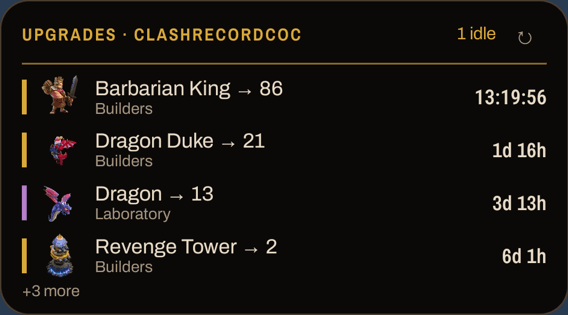
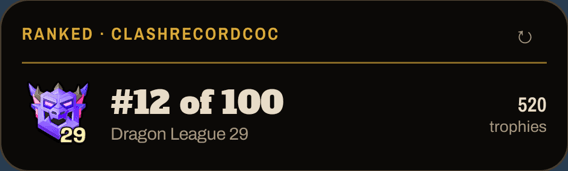
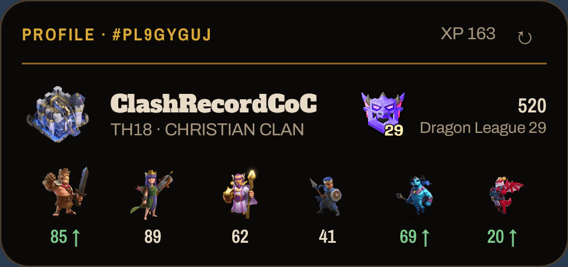
Setting one up
- Install ClashRecord from Google Play and open it once.
- Long-press an empty spot on your home screen, tap Widgets and find ClashRecord.
- Drag the widget you want onto the screen. Its setup page opens.
- Tap Link account. ClashRecord asks you to confirm; sign in first if you are not signed in.
- Back on the setup page, pick the village (for War & League, also what to show) and save.
Countdowns and notifications
Countdowns tick on the widget itself, so a finish time stays right with no connection. The data refreshes about every half hour, and at once when you tap ↻. Upgrade timers come from your in-game village export, as in the tracker: import again after starting new upgrades and the widget follows.
Turn on notifications on a widget's setup page and your phone tells you when an upgrade finishes. The alarm is set on the phone from the finish time it already has, so it works offline; Android can hold it back a few minutes while the phone sleeps.
Get the app
ClashRecord for Android is free, has no ads and runs on Android 7.0 or newer. On an iPhone there is no app yet, but Add to Home Screen in Safari installs the site like one, without the widgets.
Google Play and the Google Play logo are trademarks of Google LLC.
Every site theme, in three shapes. The download is the preview.